INTERACTIVE GUIDE 01
Game rules
A comprehensive rulebook and cheat sheet for Release Mayhem. Review the sections below to understand mechanics or find specific card details.
Sprint Goals & Setup
In Release Mayhem, you lead a software development team racing against three rival teams to complete backlog tasks and haul in the most Story Points (SP) before the backlog is exhausted.
Winning Conditions
There are two paths to victory in a sprint:
- High Score: When the final task in the Backlog is shipped, the sprint ends. The team with the highest total shipped Story Points wins.
- Survival: If all other teams are knocked out of service due to unresolved Production Outages, the last surviving team wins the game instantly.
Tasks & Workers
To score points, you must pull tasks from the backlog and assign team members to resolve them.
Task Cards
A task card shows both its Story Points (its final score value) and its Work Requirement (the amount of power needed to ship it). For example, a 4 SP task requires exactly 4 work to complete.
Workers
Every team is randomly dealt four Workers at the start of the sprint. Every worker has a specific Productivity Power value (ranging from 1 to 4) and a unique ability. You can assign any ready workers during your turn to advance your active task.
Carry-Over & Worker Commitment
If you cannot fully finish your active task in a single turn, the task stays active in your lane, and the sprint progresses.
⚠️ CRITICAL RULE: WORKER COMMITMENT
Any workers assigned to a task that does not finish in the current turn become committed. They carry over to the next turn automatically, adding their productivity again at the start of that turn. These committed workers cannot be unassigned or assigned to other tasks until the current task is fully shipped.
This means starting large tasks locks down your development capacity. Plan your worker usage carefully to avoid getting bottlenecked!
Chaos Scenarios & Hand Limits
You draw one Chaos Scenario card at the end of each turn. These cards allow you to disrupt other teams or boost your own velocity.
Card Limits
- You can play at most one normal Chaos Scenario card during your active turn.
- You may hold at most five Chaos Scenarios in your hand at any time.
- If a sixth card is drawn, you must choose one card to discard immediately before the turn advances to the next player.
- Note: The starting card It's My First Day is a special Hotfix card and does not count toward the five-card hand limit.
Production Outages
During the card draw phase, players run the risk of pulling a Production Outage card.
🚨 IMMEDIATE INCIDENT
Outages are not kept in hand. They trigger immediately when drawn and freeze play. If you do not have a Hotfix card (or your starting protection card, It's My First Day) in your hand, your team is instantly placed Out of Service (eliminated).
If you do have a Hotfix card, it is automatically consumed to defuse the incident, and your team remains in service.
Card Reference Guide
This is a sample reference list of the core Chaos Scenarios. For a complete list of all cards, their counts, and detailed rule descriptions, please check the full Card Reference page →.

Scope Creep
Double the target task's finish line requirement. Applies to rivals or yourself.
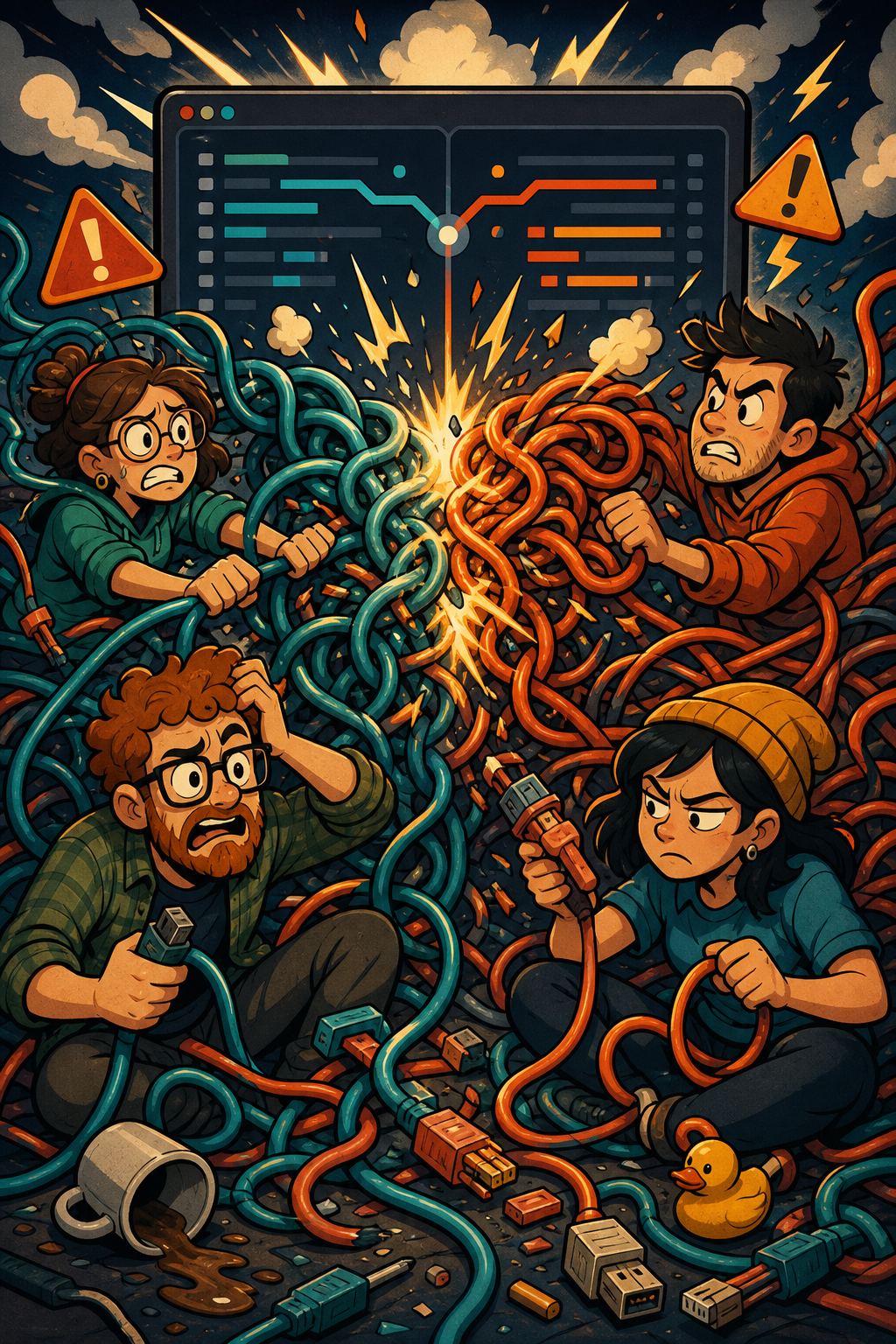
Merge Conflict
Blocks task progress entirely on the target player's next turn.
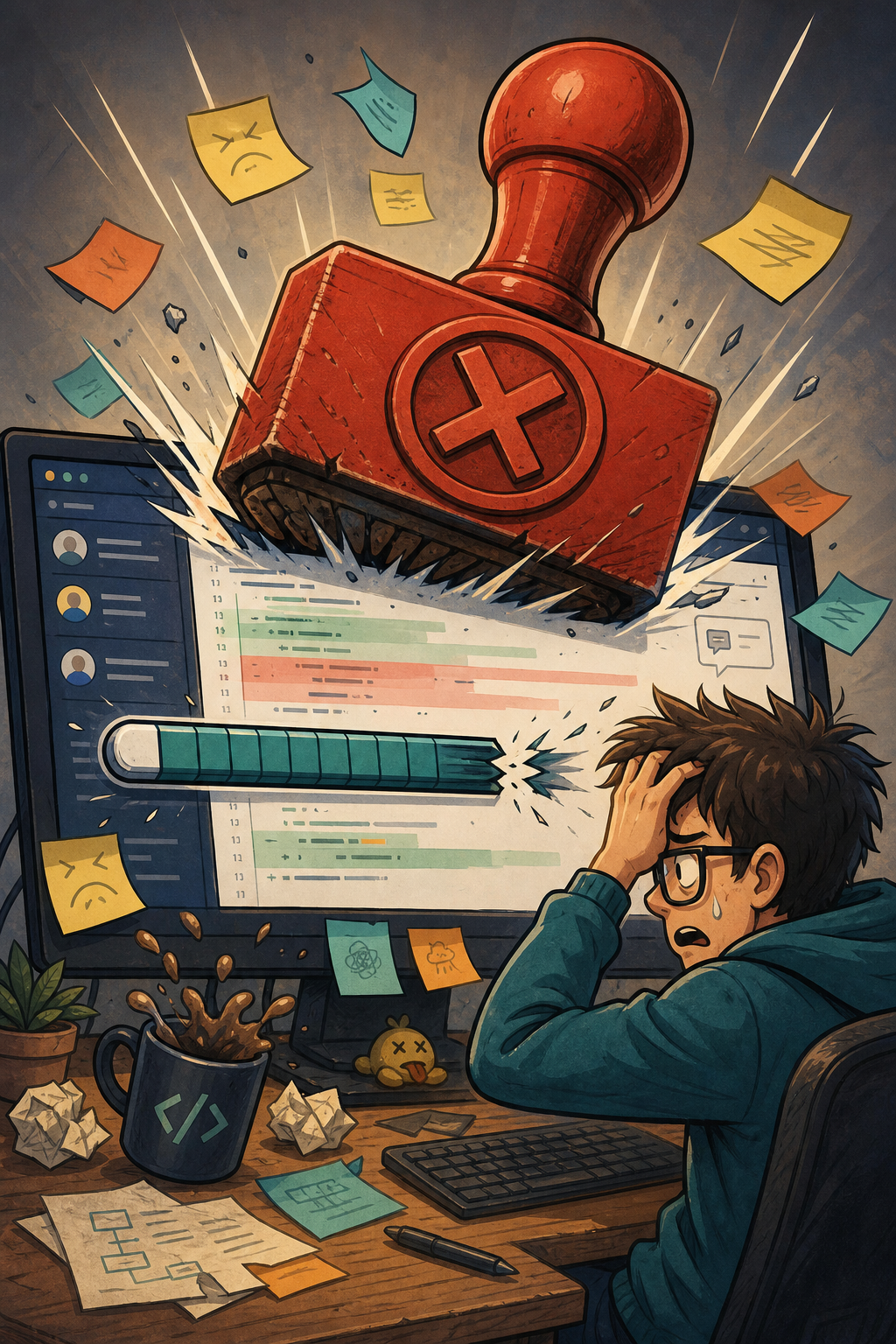
PR Rejected
Rolls back 2 work from the target's active task (but never below zero).

Backlog Grooming
Look at the next 2 backlog tasks and choose which one is pulled next.

Coffee Break
Re-enable one of your disabled workers immediately.
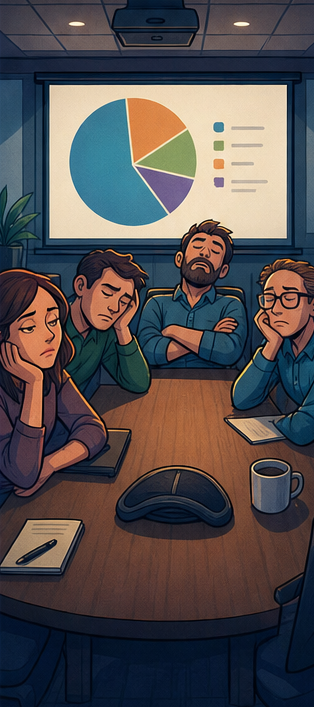
Useless Meeting
Disable an unassigned rival worker, blocking them from taking work next turn.
Physical Print-and-Play Rules
If playing with the physical Release Mayhem card deck, tracking is managed manually using simple board state markers:
- WIP Markers: Track work remaining on active tasks by moving the physical WIP card marker along the task card's bottom grid track.
- Exhaustion: Rotate (tap) assigned Workers 90 degrees to indicate they are exhausted/committed. Return them upright once the task is shipped.
- Outages: Draw from the shared deck. Reveal outages immediately to all players and check hands for a physical Hotfix card.